Pulse
- year
- 2023
- context
- MA Interaction Design, NCAD Dublin
- role
- Research, concept, UI, prototype
- status
- Prototyped and tested. Never built.
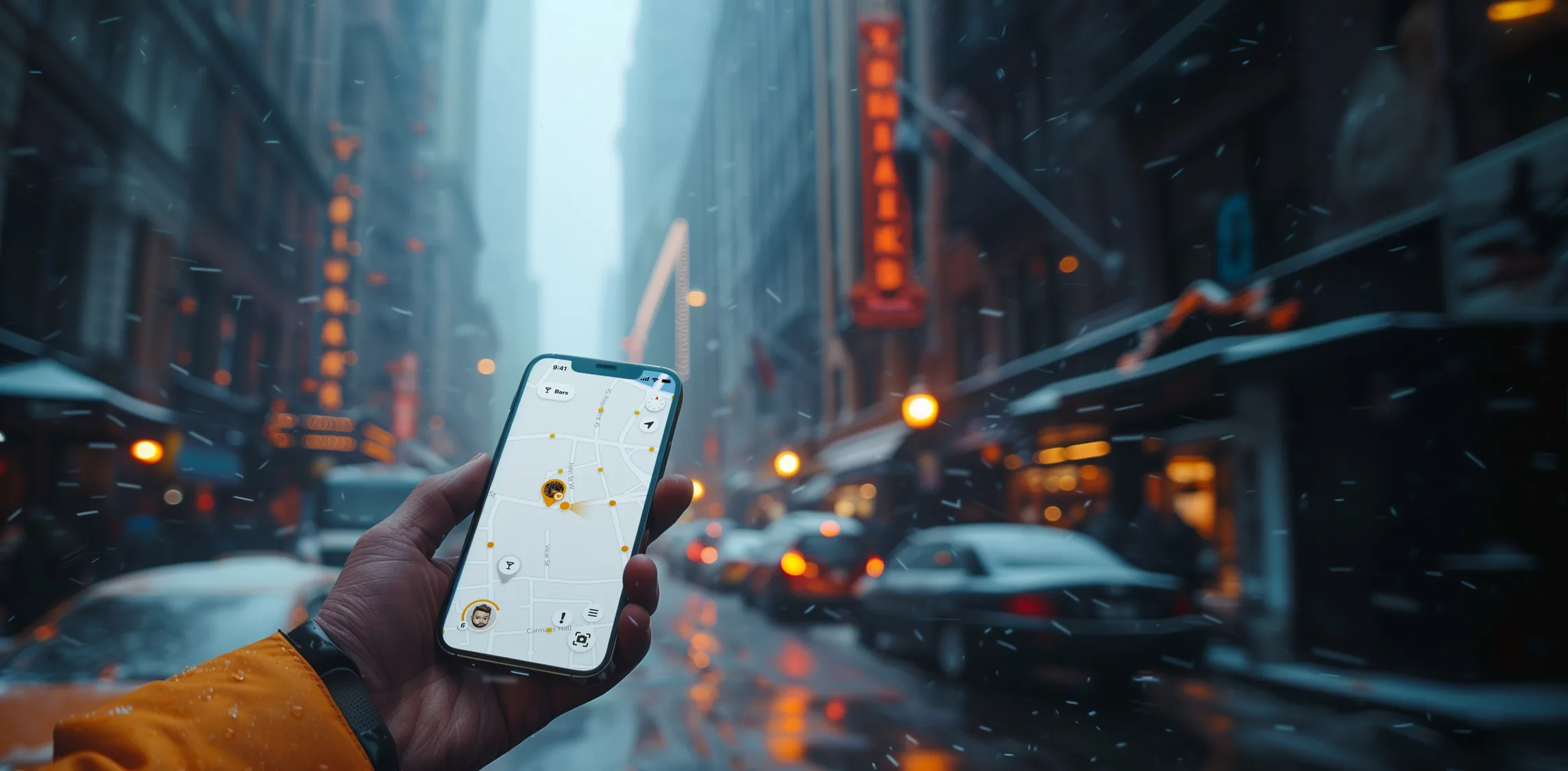
Pulse turns exploring a city into a game.
It's there to get you out walking and finding places for yourself, instead of following mainstream routes, or losing an hour to Google Maps reviews before you set foot out the door.
serendipity
the faculty of making happy and unexpected discoveries by accident.
Coined by Horace Walpole in a 1754 letter, after The Three Princes of Serendip, whose heroes were “always making discoveries, by accidents and sagacity, of things which they were not in quest of.”
In 2022 I moved to Dublin to study Interaction Design. I'd never been, and didn't really know anything about the city. So I did the simple thing, started walking, and got lost. Only to end up in a small pub with the best Irish breakfast I've ever had.
That's the feeling I wanted to build on purpose: Serendipity. Plenty of apps will tell you where to go, or which brunch spot is the coolest right now. I wanted one that makes you want to find out for yourself. Because what does “cool” even mean to you, personally?
Right in that sits the actual design challenge. Serendipity is by definition what you cannot plan. So how do you design for it on purpose?
This idea became my MA thesis.
Three cities, one day each, on foot.
It started with a survey, which told me almost exactly what I expected to hear. So instead, I went on a trip, spent a full day walking in three cities, and paid attention to what actually got in the way.
Kind of what you'd expect
As with most projects, I started with a survey. I was living in student accommodation with people from 11 countries, ages 17 to 75, so the sample lived down the hall. Around 60 people answered questions about travel habits, what frustrates them, what they wish existed. Most answers circled the same wish: less mainstream, more personal, not the typical tourist experience.
Surveys are pretty good at confirming assumptions. I needed something that would actually surprise me.
Scrolling before walking
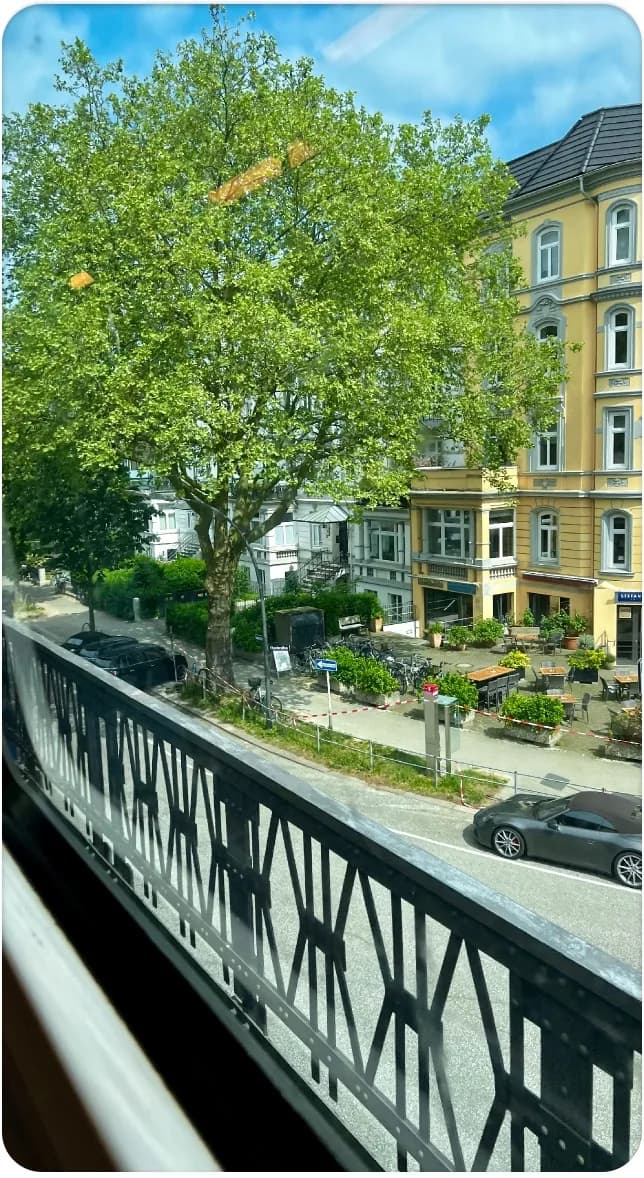
Hamburg. A city I've been to before, seen through a completely different lens this time. My immediate instinct: open Google Maps, find breakfast. I caught myself scrolling through options for way too long before I'd even left the apartment. Exactly the opposite of what I want to happen.
get people to stop scrolling and start exploring outside?
Nobody optimises for scenic
Most of the day went to walking. At some point I was looking for nice spots for photos, a park or a quiet street with interesting architecture, but every navigation app just wants to get you from A to B as fast as possible. I ended up next to traffic when there was probably a beautiful side street two blocks over.
recommend more interesting routes over faster ones?
The scope problem
Getting around I used the local HVV transport app, which was actually quite nice. But it made me wonder: this works here, what about everywhere else? Every city has its own transport app with its own quirks. If I'm designing something that's supposed to work across cities, how do I deal with that?
account for transportation and routing across different cities?
Meeting other travellers
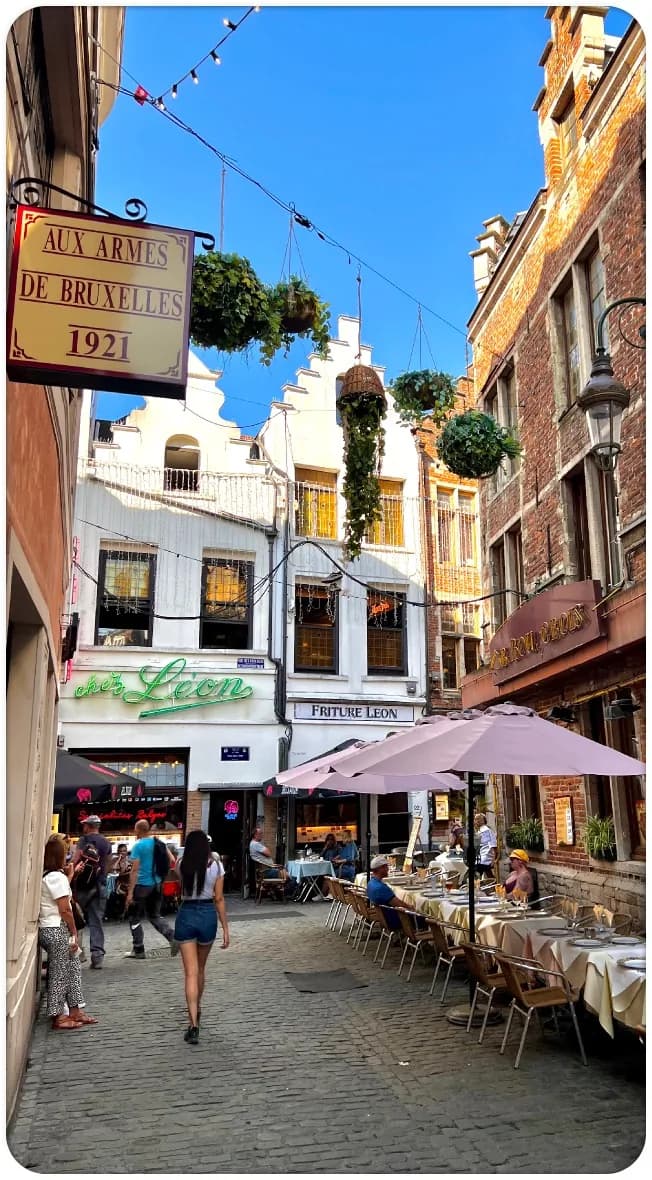
My first time in Brussels. I arrived in the evening and went out for a beer at a nearby bar. Good chats with locals, but it would have been nice to also connect with other travellers. People in the same situation as me, exploring a city they don't know yet.
help travellers meet and connect with each other?
A day planned by AI
I let ChatGPT plan an entire day. Twenty questions about my preferences, then a full itinerary. It went fine, but the recommendations felt generic, and the plan fell apart the moment I didn't feel like following it anymore. City trips are inherently unplanned. A fixed itinerary, no matter how personalised, fights against that.
suggest different plans for different interests, with optional rather than fixed recommendations?
Things with no pin
All over the city I kept noticing stuff that had no information on Google Maps but piqued my interest anyway. What's this statue about? That's a weird looking building. Impressions and questions that only arise when you look up from your phone.
give users information about interesting things along their way?
Designed to be put away
If people miss these things because they're looking at their screen, then maybe the app shouldn't be something you stare at. Maybe the most valuable thing it could do is give you a reason to put your phone away and actually look around, and then reward you for exactly that.
encourage real-world attention instead of screen time?
Fog of War, but real
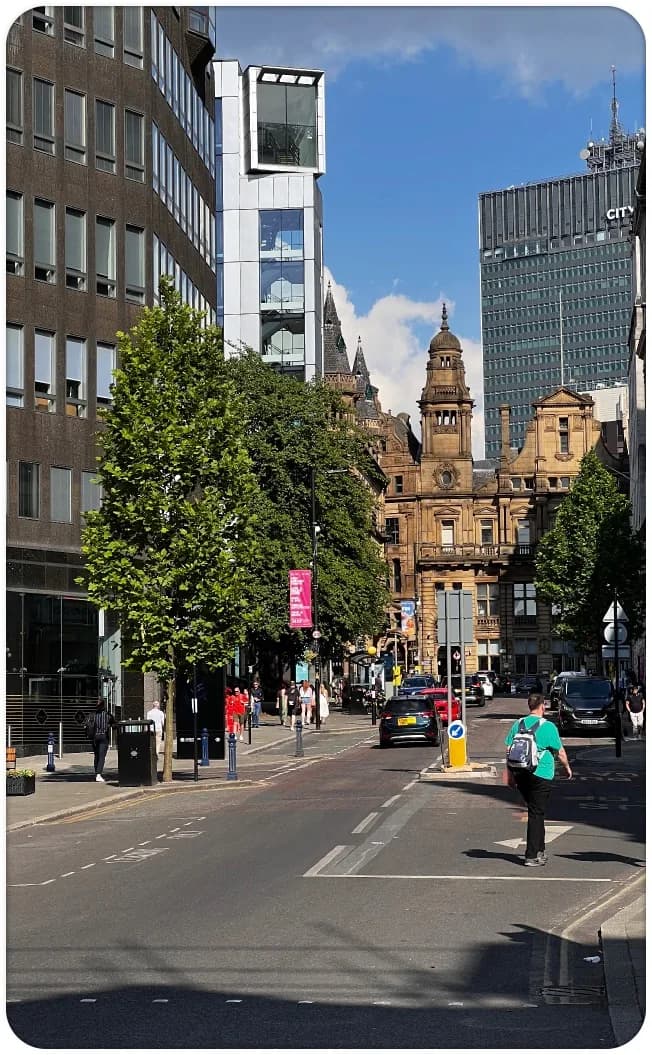
By Manchester I'd been walking for three days straight, and after a few hours I was losing track of which areas I'd already seen. It reminded me of the Fog of War in strategy games, where the map stays hidden until you physically explore it. That's what I wanted: an overview of where I've been, so I can take different turns and find streets I haven't walked yet.
help users keep track of where they've been and what they haven't explored yet?
Steps with no payoff
Once I started thinking along those lines, the gamification angle clicked. But I'd inevitably walked some of the same streets twice, and it felt like dead time. At least I was getting my steps in. It would be nice if that counted for something too.
make every trip outside feel worthwhile, even when you're retracing your steps?
A notebook full of observations, and a set of problems that felt real.
Every mechanic answers a question.
The trip came home as a pile of rough ideas. Weaving them into one game meant a quiet base to build on, mechanics borrowed from games people already love, and a reason to come back at every timescale.
Gamification as the way to go
Gamification is literally the way to go here: walking earns you something, more interesting streets are worth more than faster ones, and noticing your environment along the way rewards you the most.
The map does the recommending
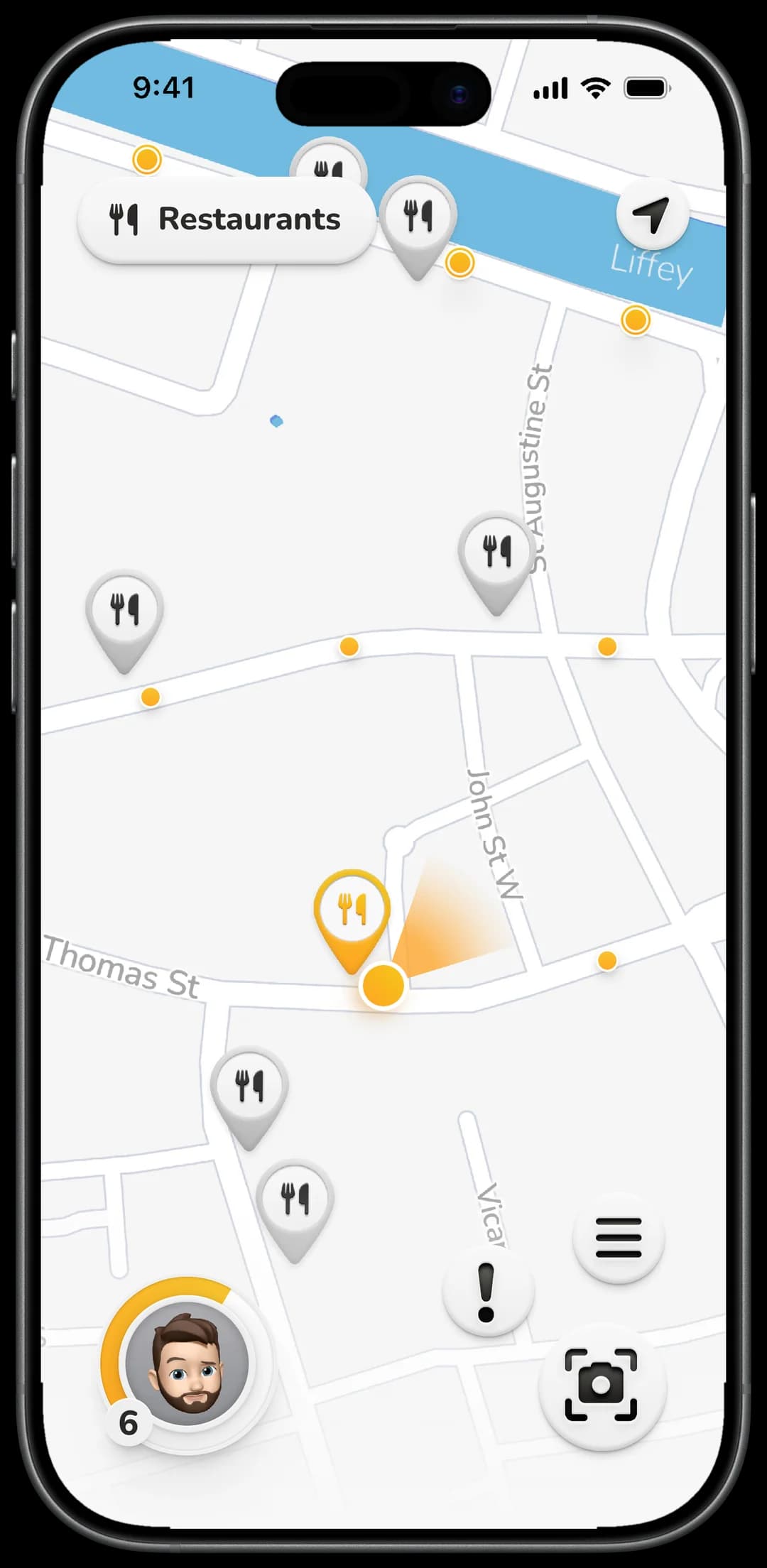
The map itself stays quiet so its markers can speak. Big Discovery Dots mark exceptionally sight-worthy streets, small ones line the streets you haven't walked yet, and location markers keep their details locked until you actually go there. Set a filter and the bar or art districts reveal themselves. Unlocked markers stay unlocked, so a well-explored neighbourhood looks visibly different from an untouched one. There's no fog of war. I thought these two features were enough.
Guidance without an itinerary
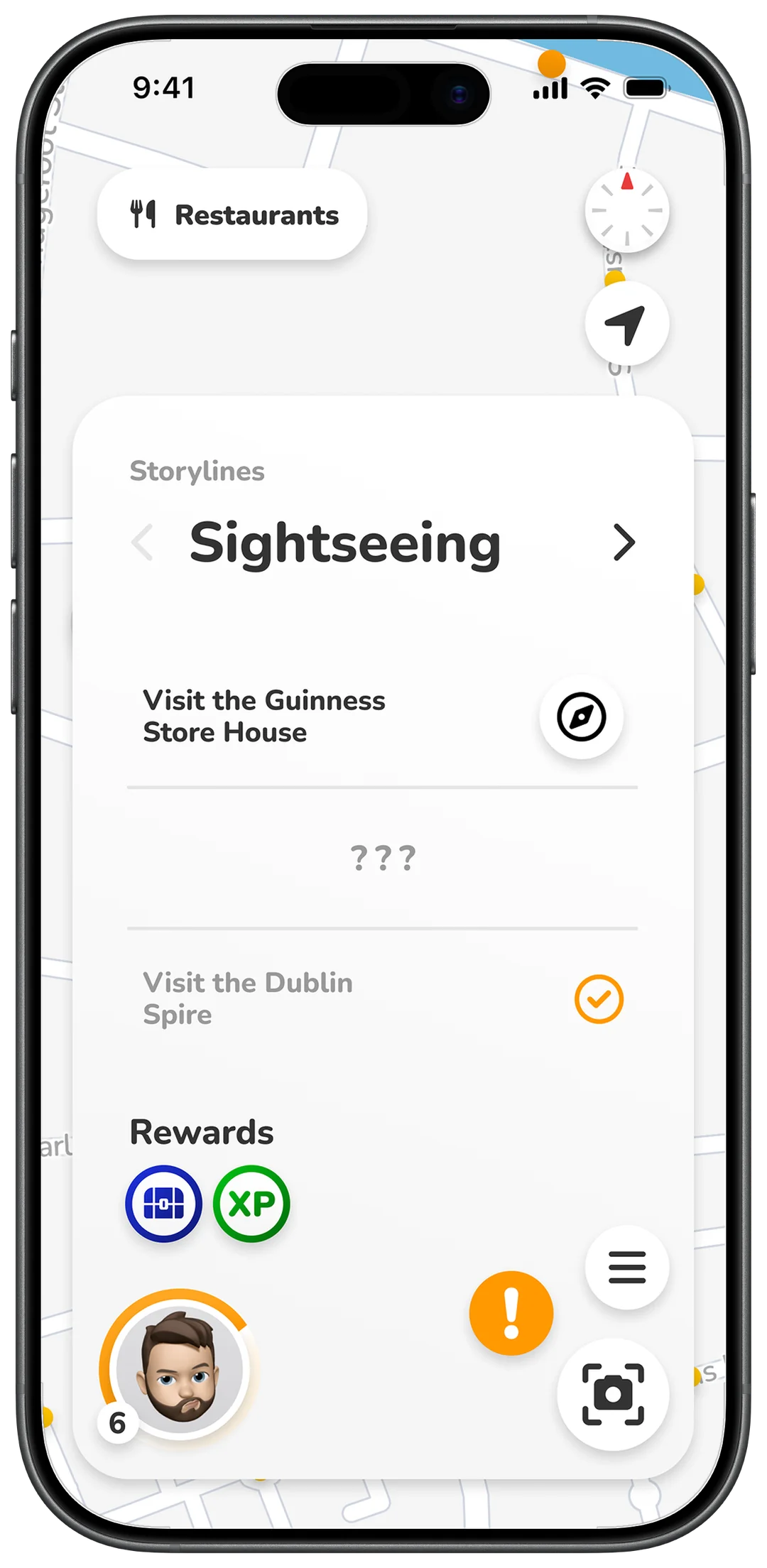
Questlines are the answer to the itinerary problem. A themed line of stops, like Sightseeing, gives you a first goal in a new city and a reason to start walking. The next stop stays hidden until you arrive, and the rest of the game kicks in along the way. A holding hand, not a schedule.
What the game pays in
Pulse pays in three currencies: XP that levels you up, usable items that grant bonuses, and chests that hold both. Every mechanic pays into the same pool, and a questline shows its rewards up front.
Steps that always count
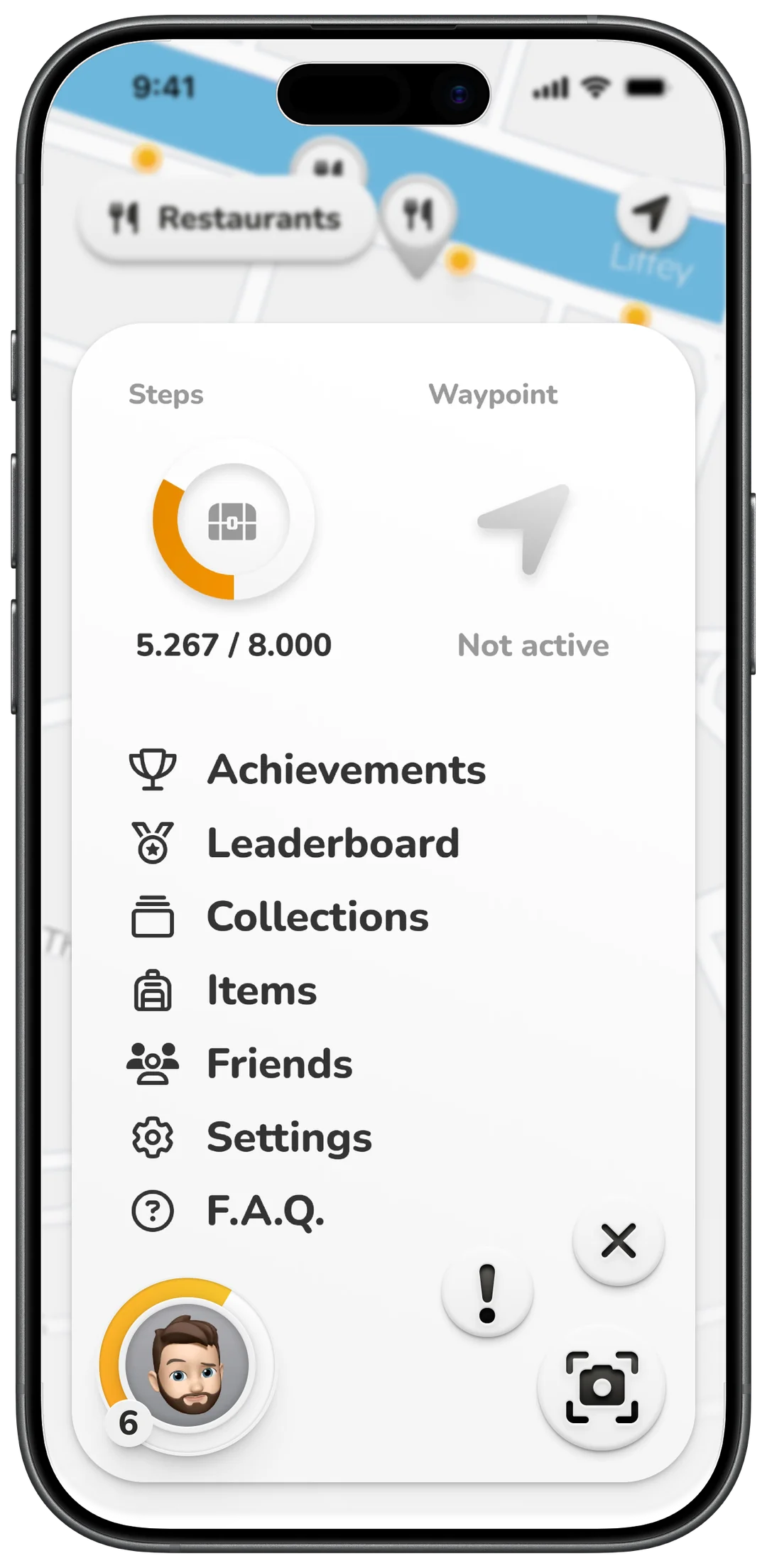
The step counter came straight out of Manchester and “at least I'm getting my steps in”. Every walk earns progress, even one that retraces your own streets: 8.000 steps fill the ring, and the ring pays out.
A direction, not directions
Set a waypoint and the map strips down to an arrow pointing at it. No route, no turn-by-turn. You pick the streets yourself and the arrow just keeps you oriented, which leaves your eyes free for the city instead of a blue line.
The lens you learn to raise
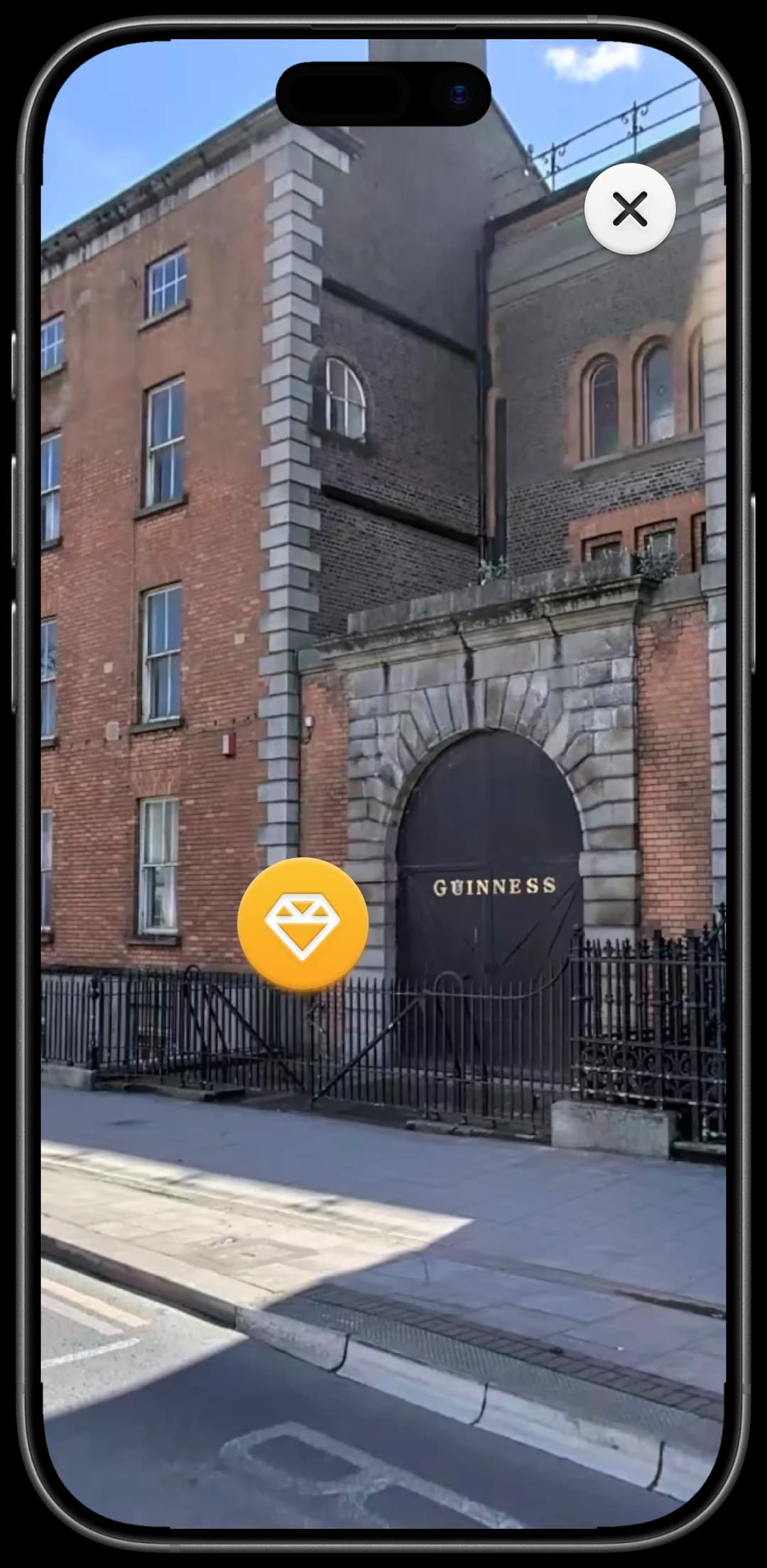
Hidden Sights are the layer beyond the markers: the statue with no pin, the building that makes you stop. They never appear on the map. Raise the camera at whatever caught your eye, and if it's one of them, the card tells you what you're looking at and pays you for noticing. The phone earns its place by pointing at the world instead of replacing it, and the biggest rewards go to attention, not distance.
Strangers, by design
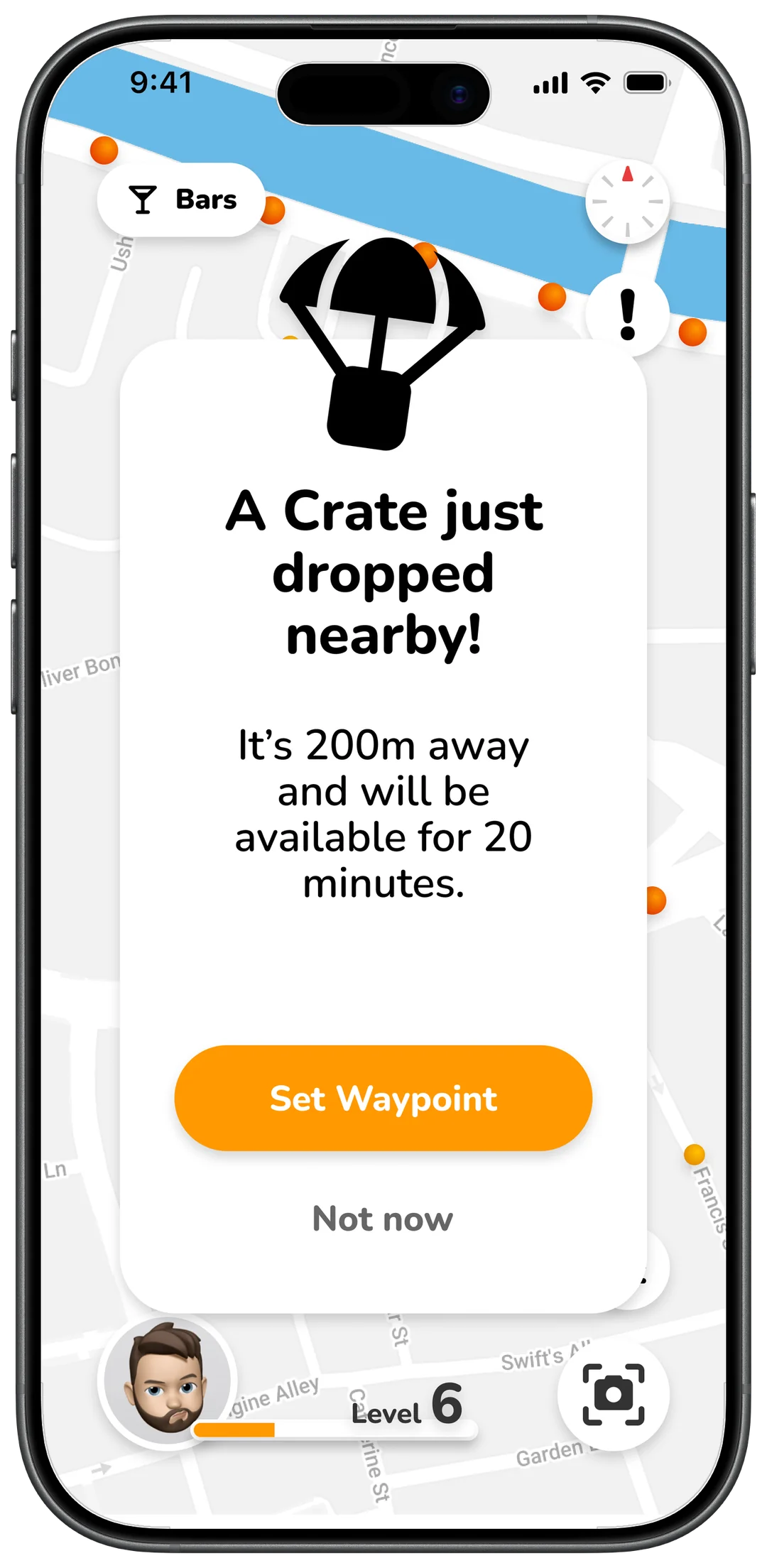
Crates drop somewhere nearby and pull whoever's around toward the same corner, and arriving as a group pays a bonus. That's the whole social layer, and deliberately so: there is no chat. Avatars carry no real names, ages or photos, partly because of moderation, and mostly because a game about going outside shouldn't hand you a reason to stay in.
What Pulse deliberately doesn't do
Transport is the one research question the concept answers with a no. Pulse is about walking; that's the point of the app, not a gap in it. And transit recommendations across arbitrary cities can't be made reliably good, while dedicated apps already do exactly that. So Pulse doesn't try.
Three loops, three timescales
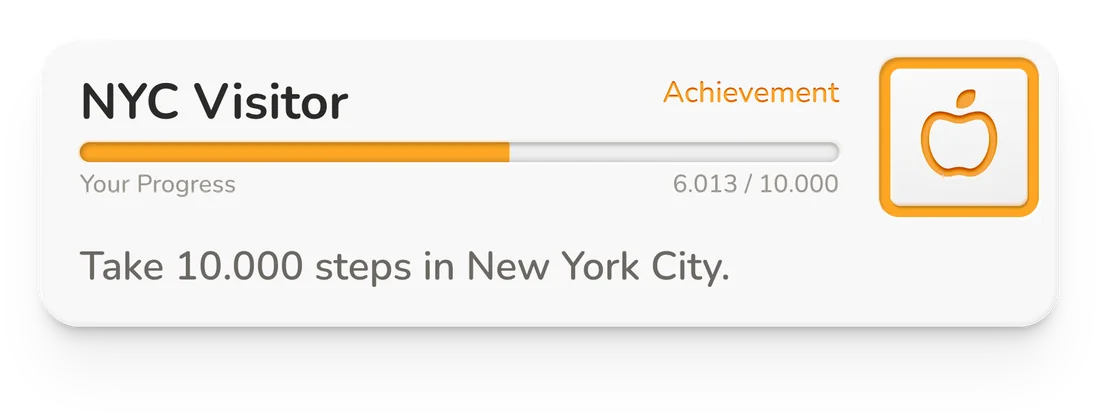
Engagement runs on three loops. The short one pays inside every walk: steps fill the ring, dots and finds add up, and items spend themselves in the moment, like an umbrella that doubles XP while it rains. The medium one builds over days and weeks, as XP turns into levels and the collection grows. The long one runs over months: achievements like taking 10.000 steps in New York City. All three point the same way. Progress only ever comes from walking somewhere and paying attention, so staying engaged and exploring more are the same thing.
The game exists to make the walk worth taking.
Simple, playful, and built for walking.
The visual language runs on three principles, and everything in it, the softness, the type, the colour, is one of them being applied.

Simple, but not boring
The interface has to be intuitive for a wide range of people, and it should stay out of the way most of the time. So the visual language strips down to the basics: neutral backgrounds, dark text, plenty of whitespace, one accent colour carrying almost everything else. The personality lives in small details instead: slightly chunky type, rounded corners on almost every surface, and micro-animations that stay subtle.

Playful, but not childish
The game side gives the design room to be expressive, but the people using it are mostly adults exploring real cities, so the playfulness needs boundaries. The typography has approachable character without being cartoonish, animations move on simple easing curves rather than springy bounces, and the icons read as friendly without trying to be too cute.
Designed for walking
Most app design imagines someone sitting still and paying attention. Pulse has to work in every other situation: one-handed, at a walking pace, in bright outdoor light, in quick glances. That means big touch targets, high colour contrast, important actions placed where a thumb can reach them, and information that arrives in small chunks you can take in quickly.
Nunito
abcdefghijklmnopqrstuvwxyz
ABCDEFGHIJKLMNOPQRSTUVWXYZ
0123456789
Nunito, and icons to match
The typeface is Nunito, a sans with slightly rounded letterforms: friendly without overdoing it, easy to read at small sizes and on the move, and its rounded curves echo the rounded corners used throughout the interface. Type sizes step up in clear intervals so the hierarchy stays scannable. The icons come from FontAwesome, which pairs well with Nunito, both share that slightly chunky, approachable character, and a single icon library keeps everything consistent without designing custom icons for every feature.
A palette around one accent
With the principles in mind, the palette is built around a single accent. Orange does almost all the visible work: active states, important actions, anything that needs to draw attention. Everything else stays neutral, with the greyscale handling text, borders, and surfaces. The accent itself comes in two variations, a bright primary for fills and larger elements, and a darker version for text and small details, where the bright orange wouldn't have enough contrast on a light background.
Soft surfaces, obvious buttons
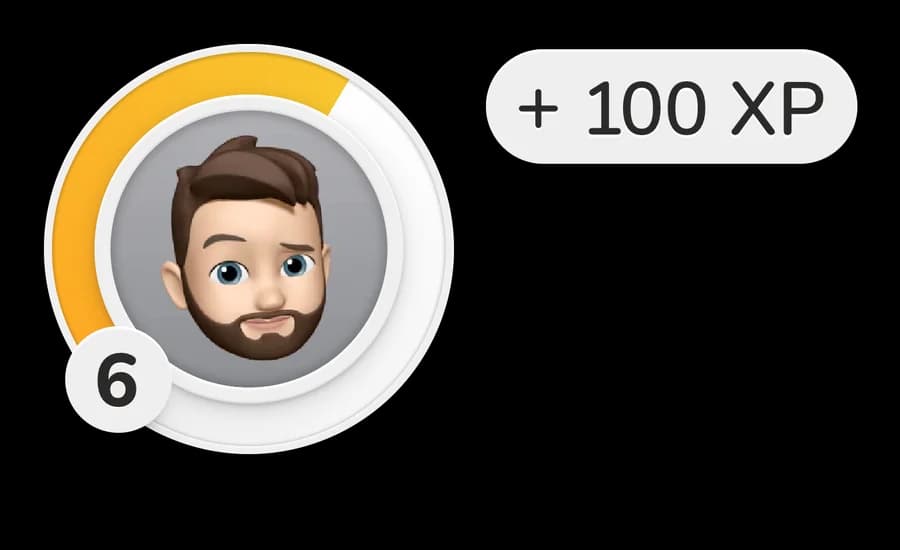
The pattern binding it all is a restrained neumorphism: conscious shadows, slight gradients, rounded forms that make elements feel tangible. It fits all three principles at once. Surfaces stay clean and uncluttered, the soft shadows and tactile feel add personality without getting loud, and slightly raised buttons make anything pressable obvious at a glance, even mid-walk.
Three principles, on every screen.
What broke along the way.
Some problems turned up while the concept was being built. The rest surfaced when the prototype got into other hands, on the street, mid-walk.
The rarest colour was already taken
Building the rarity ladder ran into the colour system. Orange is spent on attention: active states, important actions, the things that should catch your eye, and everything else stays greyscale. But the conventional colour for legendary loot is also orange, so the rarest items would have looked like ordinary UI. The way out: Legendary went golden, a warm gradient with an animated sparkle that nothing else in the app gets. The sparkle, not the colour, is what makes the tier read as special.
Rain shouldn't end the game
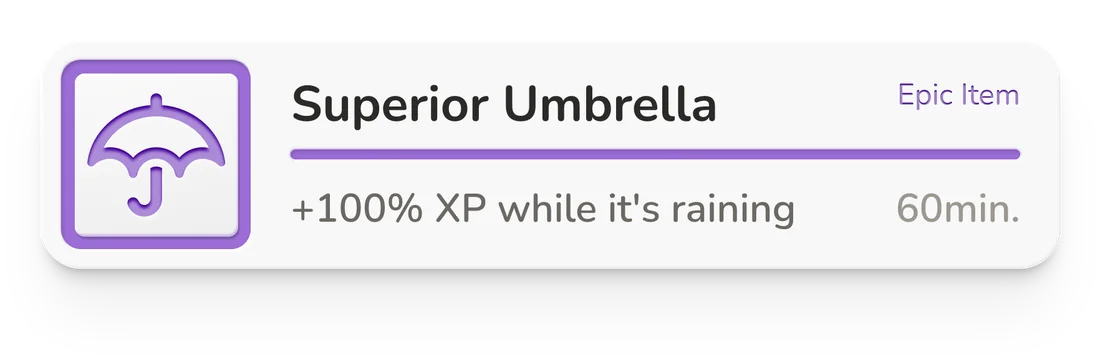
Weather was a motivation problem before it was a feature. A walking game dies if bad weather feels like a locked door, so the item system turns the conditions into a bonus: weather-bound items, like an umbrella that doubles XP while it rains, make a rainy day worth playing instead of something to wait out.
Three friends, on foot
The test matched the app. Three friends walked the city with a Figma prototype on an iPhone in their hand, while I walked along and handed them physical cards for the special content the app would have shown on the way: item drops, hidden sights, rewards. Paper prototyping, at walking pace.
Nobody knew when to use the lens
The AR lens was the feature testers understood last: nothing told them when pointing the camera at something would pay off. The fix teaches the instinct in place. A nudge fires when a hidden sight is nearby, so checking the unusual becomes a habit. And because push notifications are the most phone thing you can add to an app built against staring at phones, they remove themselves: as your level grows, the nudges fade out. A tutorial that knows when to leave.
The condition nobody could check
An item promising more XP while it's windy sets a condition the player can't verify. Is it windy enough? Is the bonus live right now? Testers couldn't tell, and the game gave them no way to find out. The answer is a weather indicator that surfaces the current state in the UI. It never made it into the prototype, but it's the fix the next iteration would start with.
The best fix was the one that removes itself.
What the method bought, and what it cost.
The same instinct runs through the whole project: go deep, in person, on foot. It built the concept, and it left one blind spot.
What walking bought
Every real question on this page came from living the problem. The survey said what surveys say; the three days of walking produced the discovery dots, the questlines, the lens, the loops. Depth over breadth was the right instinct, and the concept is built from what it found.
The same instinct, cutting thin
The testing inherited that instinct. The prototype went to three friends, in deep sessions with a tiny sample, and that's how the lens's comprehension problem stayed hidden as long as it did. A bigger, more diverse group would have surfaced it earlier. The method's strength and its blind spot were the same choice, and knowing that is what the next project keeps.
The strength and the blind spot were the same choice.